Amytis helps you generate scripts for use in R and Python using natural language.

Freddie Starkey
Co-founder & CTO
Python and R are widely used for data analysis, statistics and visualisation, but using them requires effort and expertise: writing code, managing packages and working through errors when a script fails.
Amytis provides a more direct route: connect your data, describe the analysis you want in plain language, and use a Python Factory or R Factory to generate the script and, when you are ready, run it.
Generate Python or R from plain-language instructions
Using AI to generate a Python or R script in Amytis begins with the result you want rather than the syntax required to produce it.
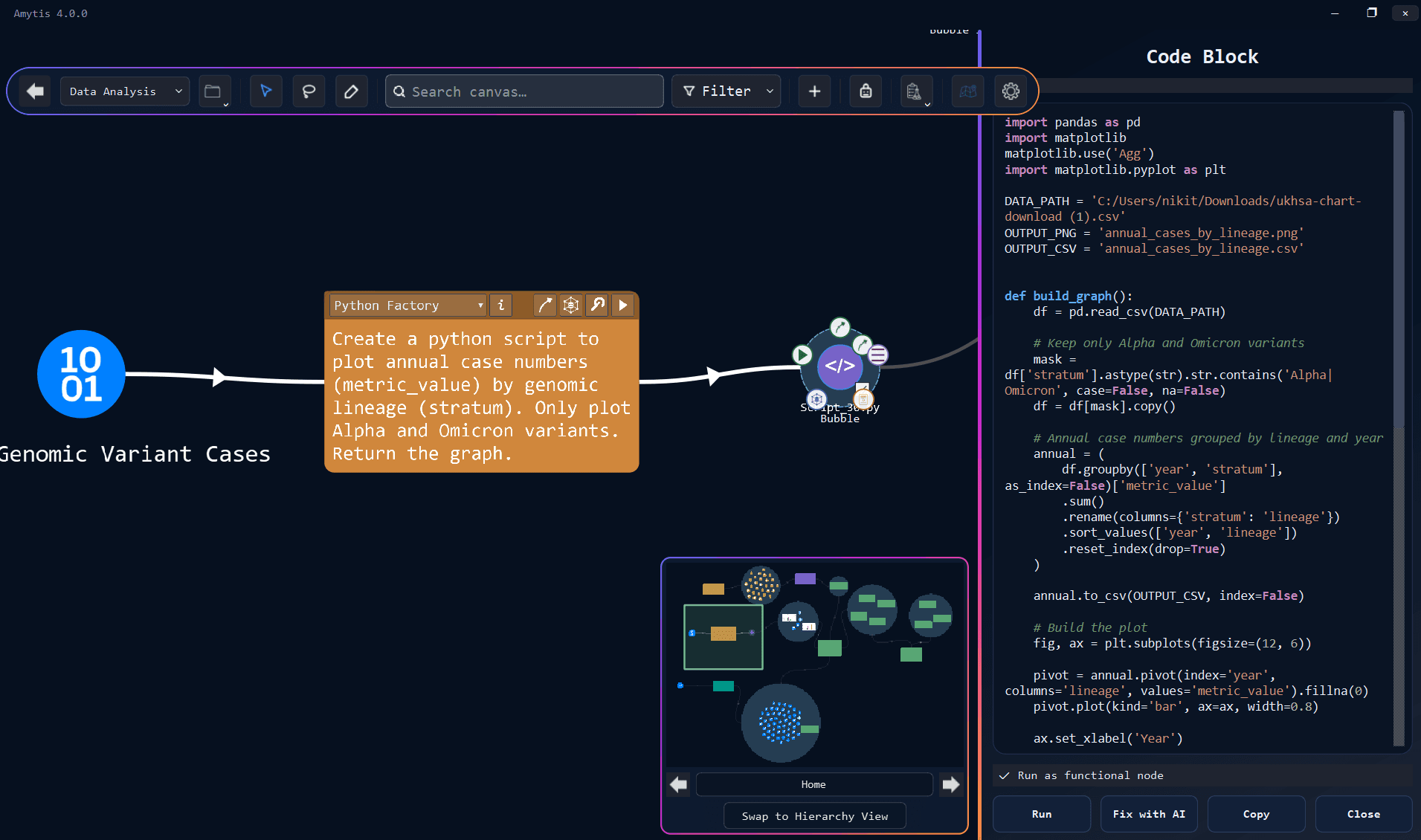
Add a Note card, then select Python Factory or R Factory from the drop down. Connect relevant CSV, Excel or note cards upstream, then describe the task in ordinary language. You might ask to “plot expression by condition,” “analyse this CSV and summarise the results,” or “fit a linear model and save the results as a table.”
Amytis includes information about connected data files, including a preview of their columns, when asking the model to generate the script. Providing the model with the actual structure of the data helps it work with real column names rather than relying entirely on assumptions about what the dataset contains.
After you select Run, a Code Block appears downstream with the generated script saved to your computer. Amytis checks that the script can be parsed and contains the required mechanism for returning results, with up to two automatic repair attempts available when the generated code fails these initial checks.
Run AI-generated Python scripts when you are ready
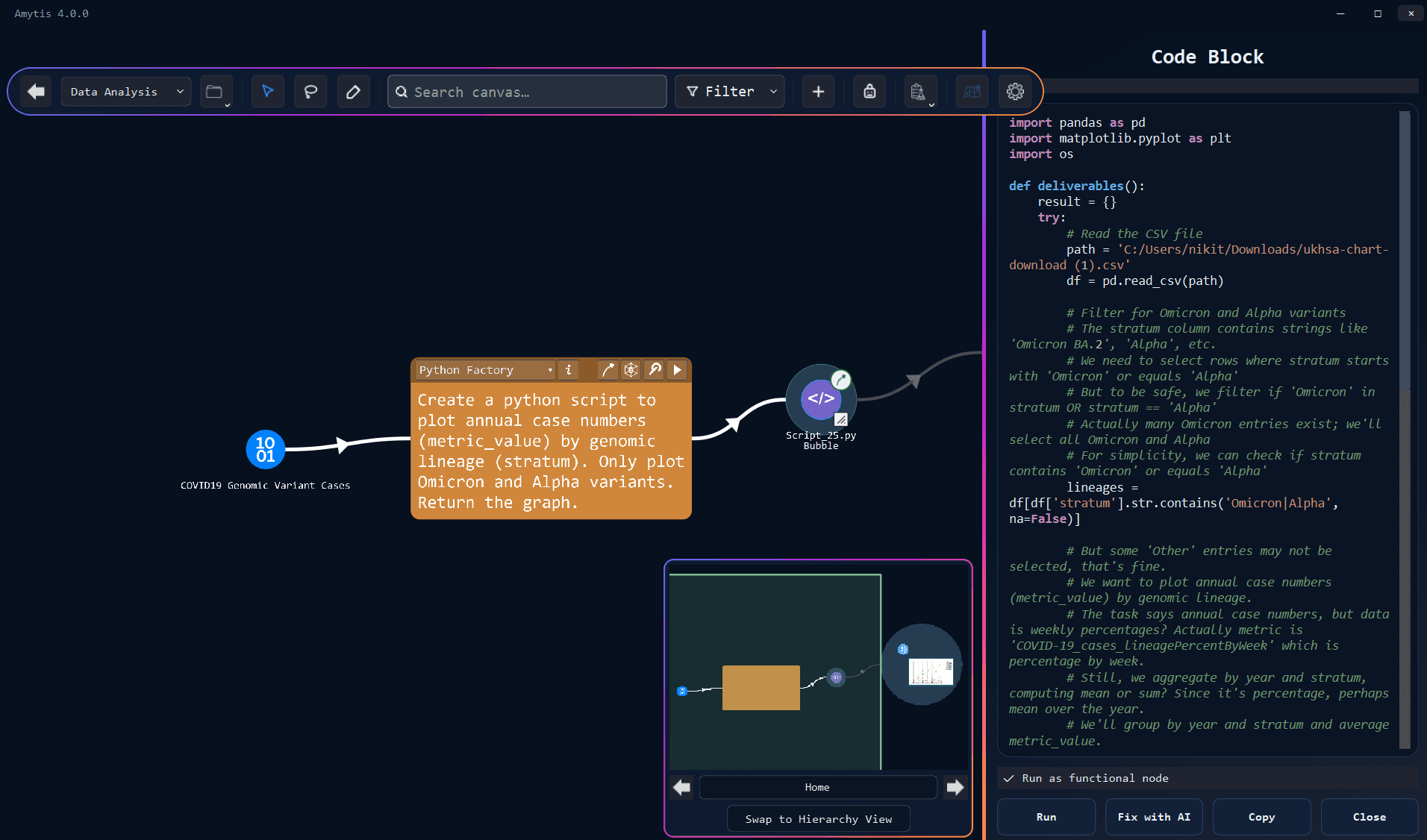
Amytis separates generating code from running it, giving you control over when an AI-generated Python or R script is executed.
Auto-run generated Python scripts is disabled by default under Settings → Scripts, so generating a script does not require you to run it immediately. You can review the Code Block first and select Run when you are ready, or enable automatic execution if you prefer generated scripts to run as part of a more automated workflow.
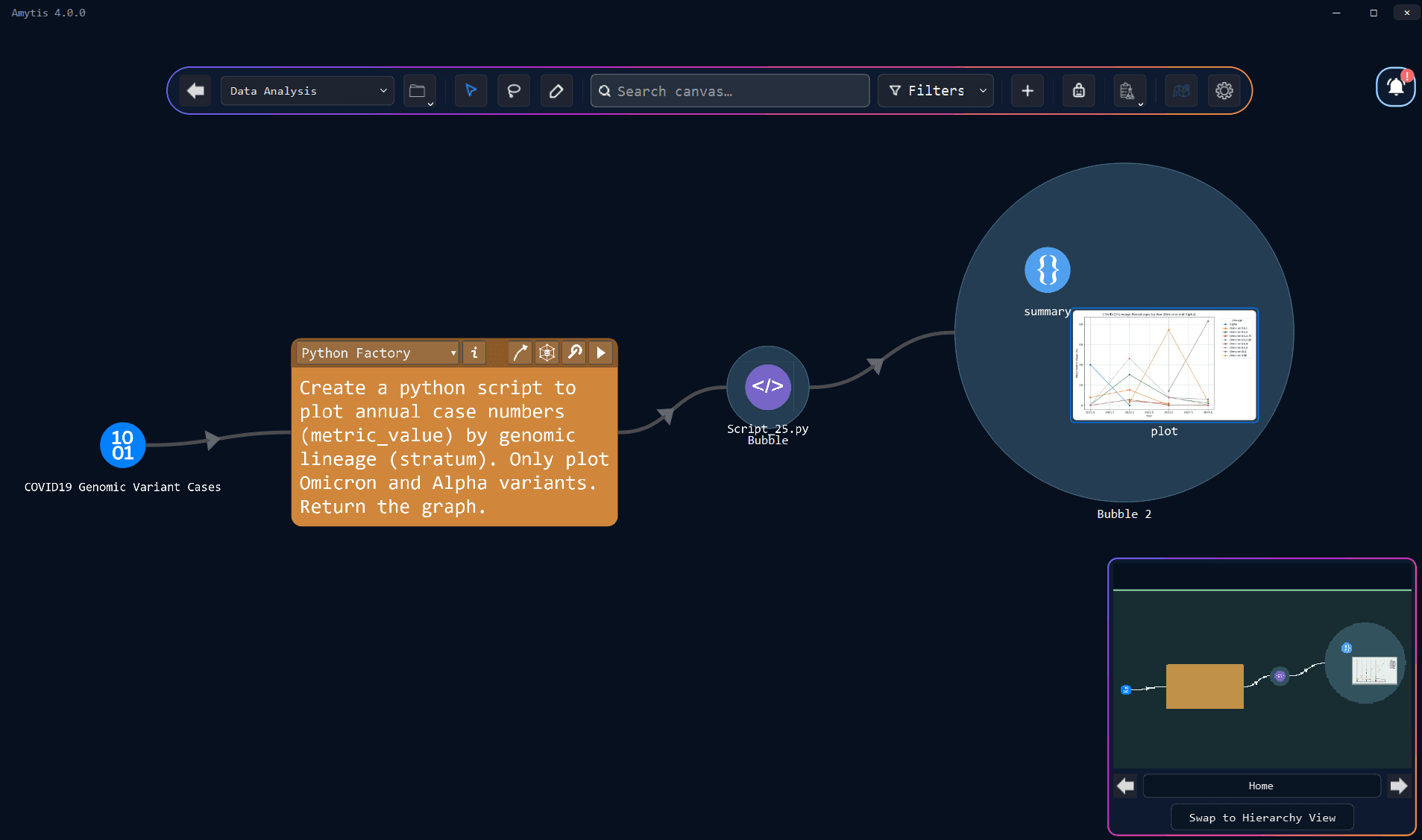
Once Run, the result of a script is added to the canvas so that subsequent workflow steps can work with the result of an analysis rather than its implementation. A later step can receive a plot or results table directly, keeping the visible workflow focused on the material a person actually needs to review.
Some analyses require additional Python or R packages. Amytis can install missing packages into your system Python or R installation, with confirmation available before installation. Python and Rscript paths can also be configured in settings or left blank for automatic detection.
These controls are particularly useful when introducing AI-generated code into existing data analysis workflows because they allow execution and package installation to remain explicit decisions.
Fix Python and R scripts with AI
Generating code from natural language reduces the need to program, although scripts can still encounter ordinary data problems such as missing files, unexpected column names or unavailable packages.
Factory-generated Code Blocks can use Auto-fix failed generated scripts, which is enabled by default and allows up to two repair attempts. When a generated script fails, Amytis can send the original instruction, script and error information back to the model so that it can generate a corrected version and try again.
You can also select Fix on the factory or Fix with AI on the Code Block when you want to request a repair manually. The replacement script runs against the same task and replaces the previous outputs when the fix succeeds.

People who want more control can open the Code Block, inspect the console output and edit the script directly, while people who do not write Python or R can usually continue working through the original request, error information and returned results.
4. Use AI for data analysis within larger workflows
AI-generated Python and R scripts can be used within larger workflows, allowing data analysis, statistical modelling and visualisation to sit between other tasks without requiring users to manage the underlying scripts.
This makes data analysis accessible without requiring programming knowledge, but the resulting analysis still depends on the data and instructions supplied to the model.
Always review AI-generated scripts and plots for accuracy and double check model choice and input connections when working with sensitive data.
Get started