The Amytis agent is designed to help you build focused experiments and workflows based on the information you provide it. It turns hypotheses into scientific workflows by combining literature search, database retrieval, analysis tools and scientific models according to the needs of the experiment.

Freddie Starkey
Co-founder & CTO

The Amytis agent is designed to help you build focused experiments and workflows based on the information you provide it. It turns hypotheses into scientific workflows by combining literature search, database retrieval, analysis tools and scientific models according to the needs of the experiment.
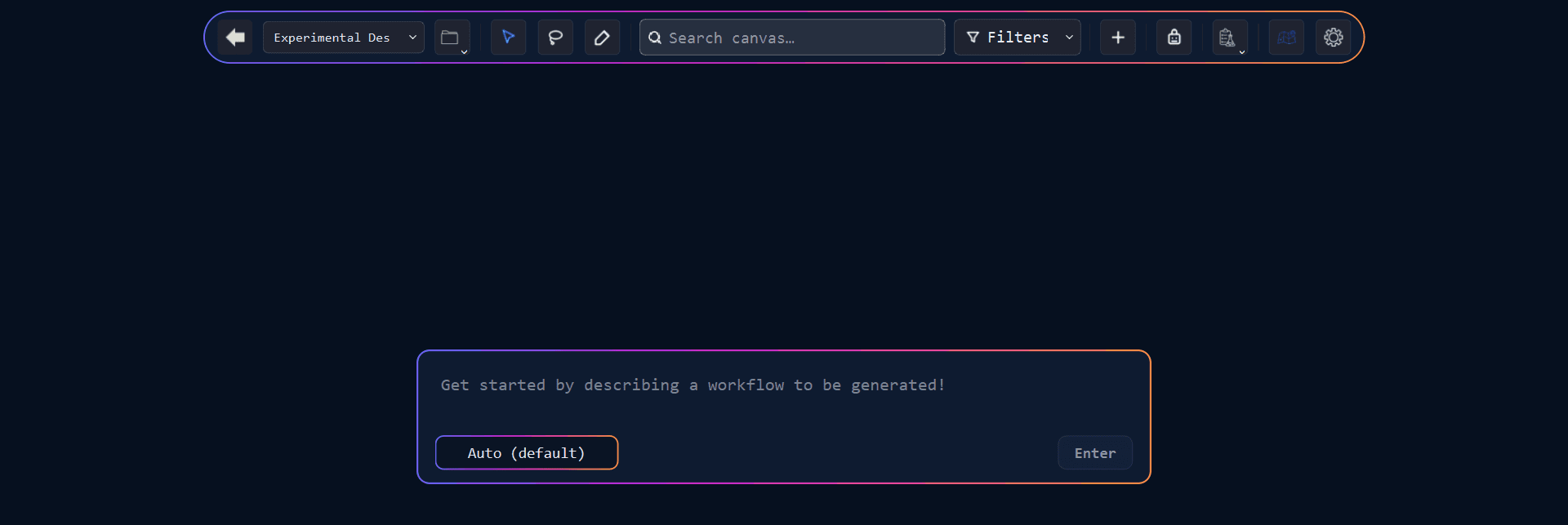
Amytis is launched automatically when you start a new Project:
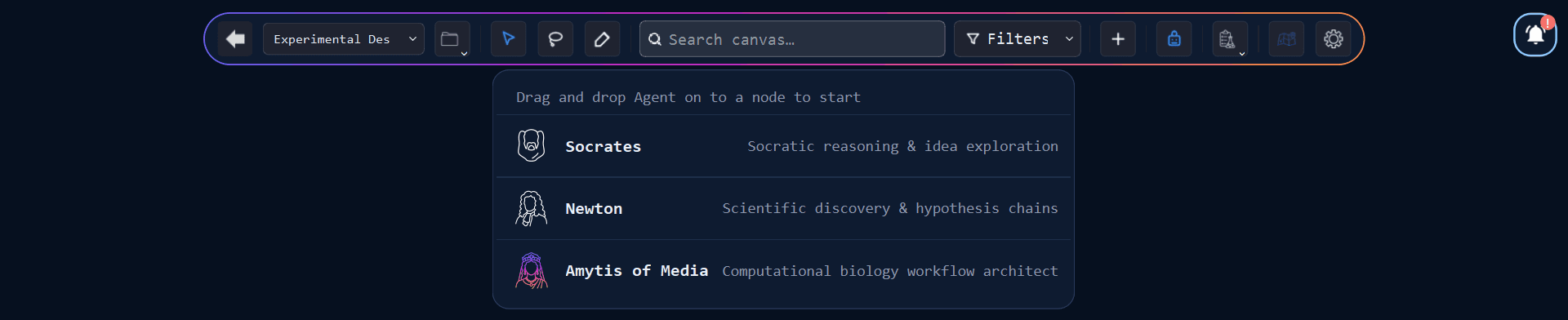
Or you can call it at any time within an existing Project canvas by clicking on the Agents option in the top menu bar:
When prompting Amytis to design an experiment, you should input the scientific question or hypothesis you’d like to explore, and any practical constraints or references to data or papers that should inform the work.
The Amytis agent will read the text as a design brief and build a connected, runnable workflow around the objective, giving you a structured way to move from an experimental idea to a plan you can inspect and execute.
Start with a clear hypothesis and constraints
A useful brief states the scientific question and hypothesis, includes competing explanations where relevant, defines practical constraints such as organism, assay, sample type, budget or timeframe, and describes what the finished experimental plan should deliver. This might include a protocol outline, ranked experimental designs, controls or explicit criteria for deciding whether the hypothesis has survived the test.
Specific constraints give Amytis boundaries within which to design the experiment, while falsification criteria provide an interpretable endpoint. Existing gene lists, symptoms, sequences and other materials supplied by you are treated as inputs rather than replaced with invented examples, and generated workflows include at least one critique or validation step.
Use existing papers and data to design your experiment
To include your own files and data in your experiment design, drag them onto the canvas to import them or copy and paste them onto a Text card, then connect them to your Note. In your Note prompt for Amytis, use an instruction to tell it how to handle the data. For example, “use the attached metabolomics table” can lead to a Python or R analysis step, while “use the PDFs already on this project” can generate file-query steps that retrieve relevant material before later skills interpret it alongside published research.
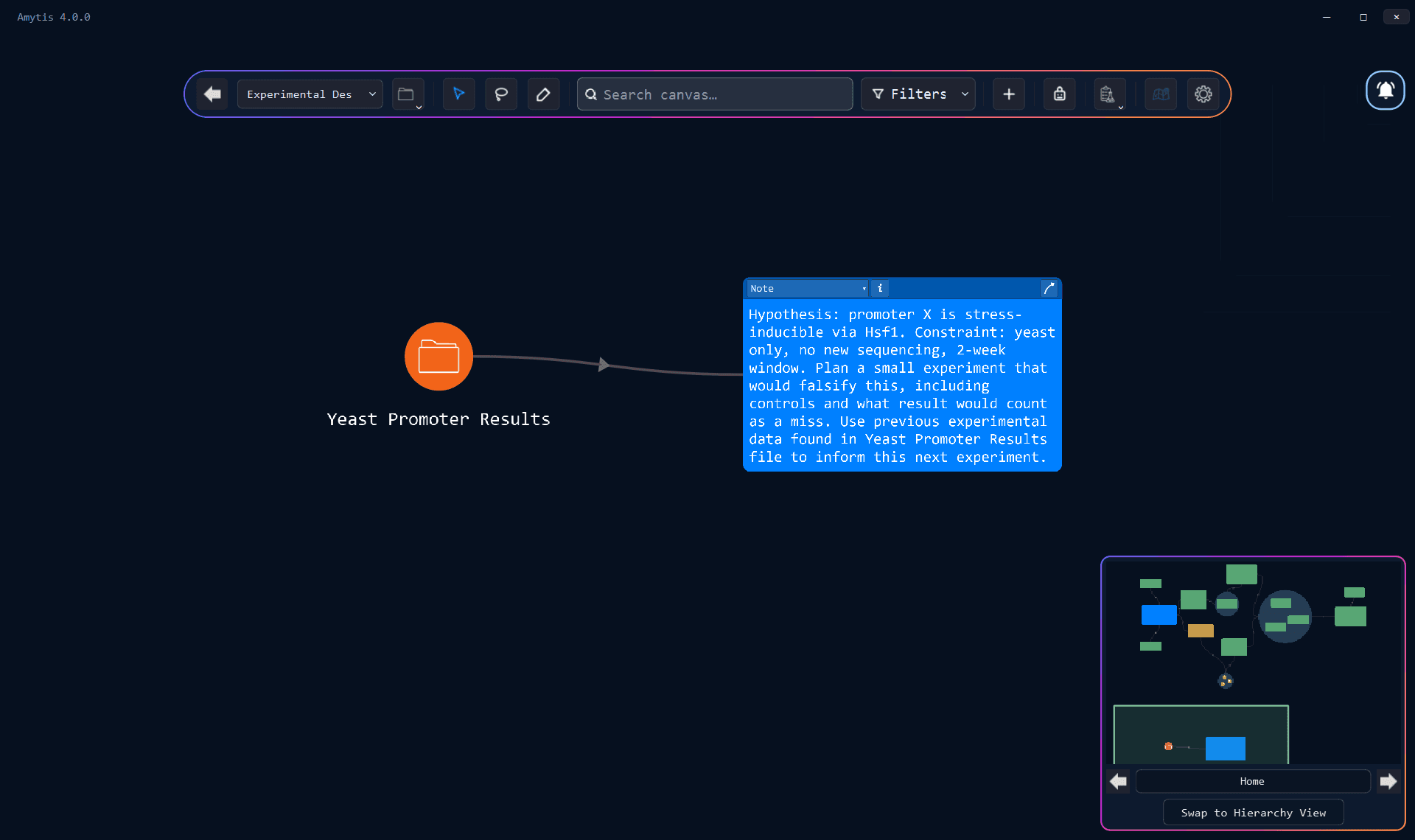
Amytis works with files represented on the canvas rather than searching the researcher’s computer. Naming the relevant papers and datasets in the objective keeps the relationship between the hypothesis and supporting evidence explicit.
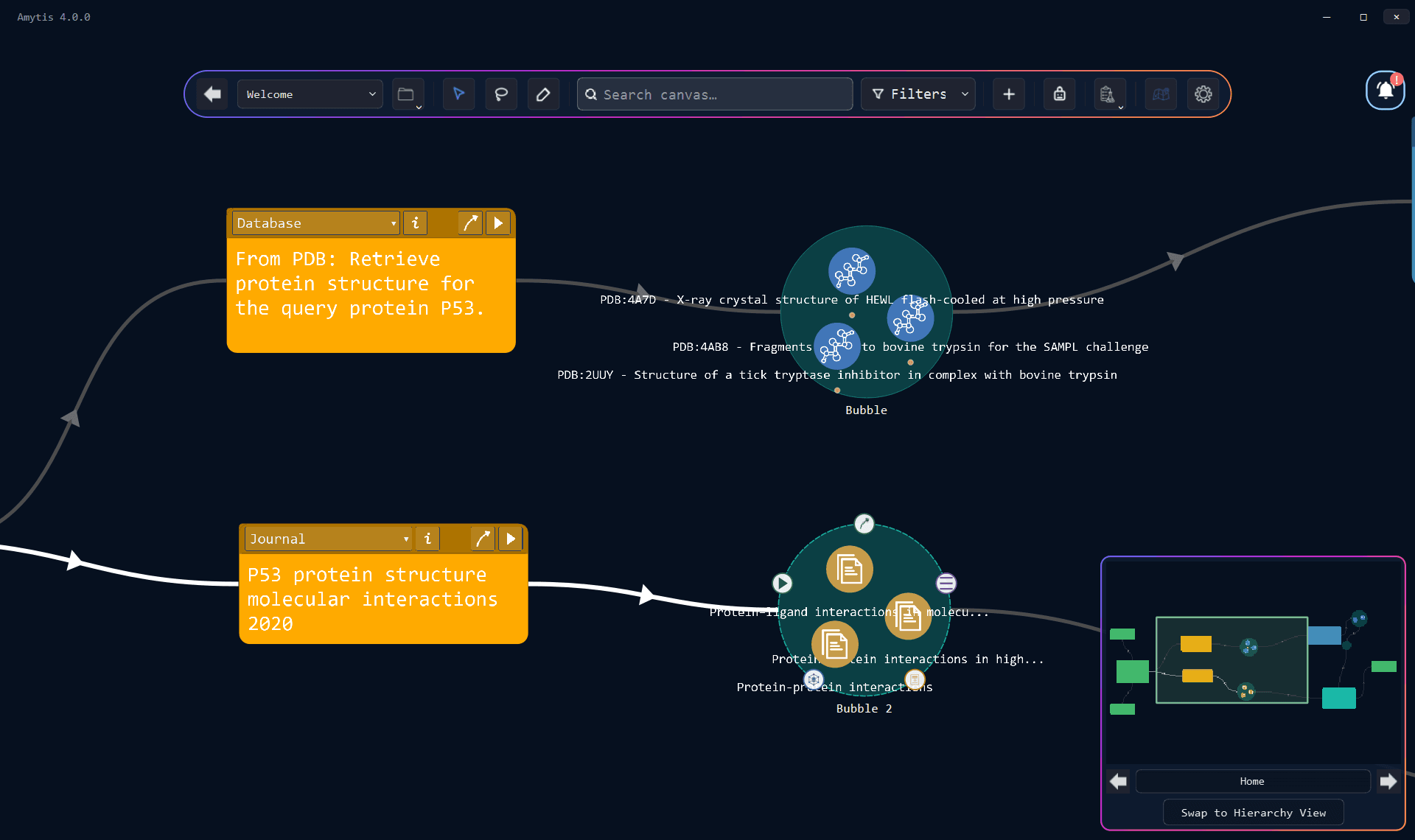
If you don’t have existing data to input, Amytis can also create focused Journal searches that import scientific papers, while Database skills can retrieve information from connected resources such as PubMed, PMC, NCBI, UniProt, GEO and STRING.
Run Amytis and inspect the suggested workflow
From the seed note, Amytis constructs a skill graph using the tools available in the project, including Prompts, Journal, Database, Web and File queries, Python/R code and biological sequence analysis with protein and genomics models.
Amytis will sequence and connect these so that evidence and analysis can move through the experiment in a defined sequence. A Journal search might retrieve relevant papers before a Prompt skill interprets their findings, while Python or R could analyse an existing dataset and pass the results into a later step for comparison with published evidence.
Amytis will generate a workflow without running any of the individual cards. You should treat this workflow graph as a concrete representation of the experimental plan, making it possible to inspect the proposed searches, analyses and assumptions, then edit prompts or change connections where necessary. Amytis also places a short summary and teaching note beside the workflow to explain how the proposed design relates to the original objective.
Get started